What Is an Azure AI Search Skillset and How Does It Work?
2026-06-23
TL;DR
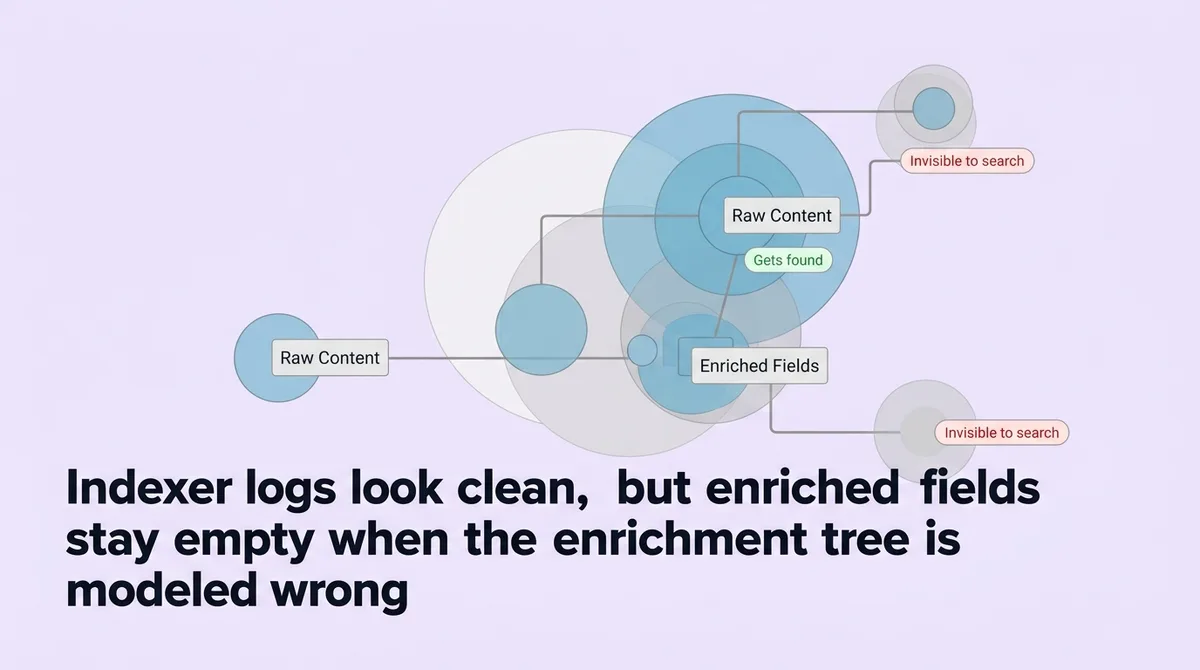
You open the indexer logs. No errors. The pipeline ran clean. Your index has data. But when you query the enriched fields, you get nothing useful back.
Most teams configure skills without modeling the enrichment tree first. They write skill definitions, wire up inputs and outputs, and assume the pipeline will route content correctly. It does not. The execution order is dependency-driven, not sequential. Context paths determine which node a skill reads from. Get either wrong and your enriched fields stay empty.
The Skill-to-Field Projection Chain is the three-stage routing model that connects skill output to enrichment tree node to index field. Operations managers, engineers, and consultants building AI search pipelines need this model before writing a single line of skillset JSON. It is what separates an index that returns precise results from one that processes every document and surfaces nothing actionable.
* * *
What Is an Azure AI Search Skillset?
An Azure AI Search skillset is a named collection of skills that transforms raw source content into enriched, queryable data. It sits between the data source and the index, processing documents through a chain of cognitive or custom operations before their content reaches any search field.
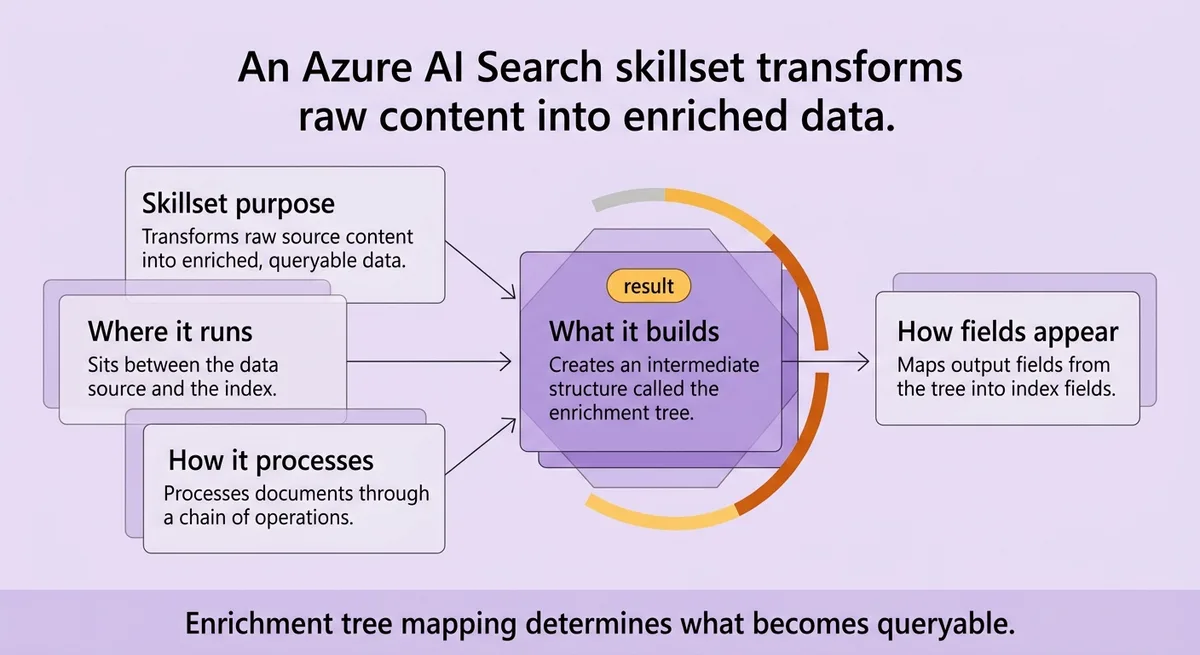
The skillset does not move content directly into the index. It builds an intermediate structure called the enrichment tree, and output field mappings then project nodes from that tree into index fields. Miss that two-step and you will never trace why a field is empty.
* * *
The Enrichment Tree: Why Your Source Content Is Not Enough on Its Own
Raw documents are not units of work inside Azure AI Search. They become units of work only after document cracking, which is the process that extracts text and metadata into a structured form the pipeline can annotate.
That annotated structure is the enrichment tree.
Skills do not write directly to the index. Each skill reads from a node in the tree and writes its output to a new node. The tree accumulates these annotations across every skill that runs. By the time the pipeline finishes, the tree holds every intermediate and final enrichment your skillset produced.
The enrichment tree operates at multiple grains simultaneously. A split skill chunks content at 5,000 characters per page [\[3\]](#ref-3). That produces page-level nodes. A sentence-level skill then reads from those page nodes and produces finer-grained sentence nodes [\[3\]](#ref-3). Both grains exist in the tree at the same time.
A simple enrichment tree builds in layers:
- Root node: the cracked document (text, metadata)
- Page nodes: chunks from the split skill, one per page
- Sentence nodes: finer splits from sentence-level processing
- Annotation nodes: skill outputs attached at each grain (sentiment scores, key phrases, named entities)
Most articles skip this structure and jump to skillset JSON configuration. That shortcut costs you later. If you do not model the tree before you write skill definitions, your context settings will point to the wrong nodes. Skill outputs will produce results. Those results will annotate the wrong part of the tree. The indexed fields will be empty, and no error log will tell you why.
Stop thinking of the source document as the thing you are enriching. Start thinking of the enrichment tree as the real artifact your skillset builds.
* * *
Skill Execution Is Not Sequential by Default, and Most Teams Get This Wrong
Here is the false assumption that breaks most skillset builds: skill order in the JSON definition controls execution order.
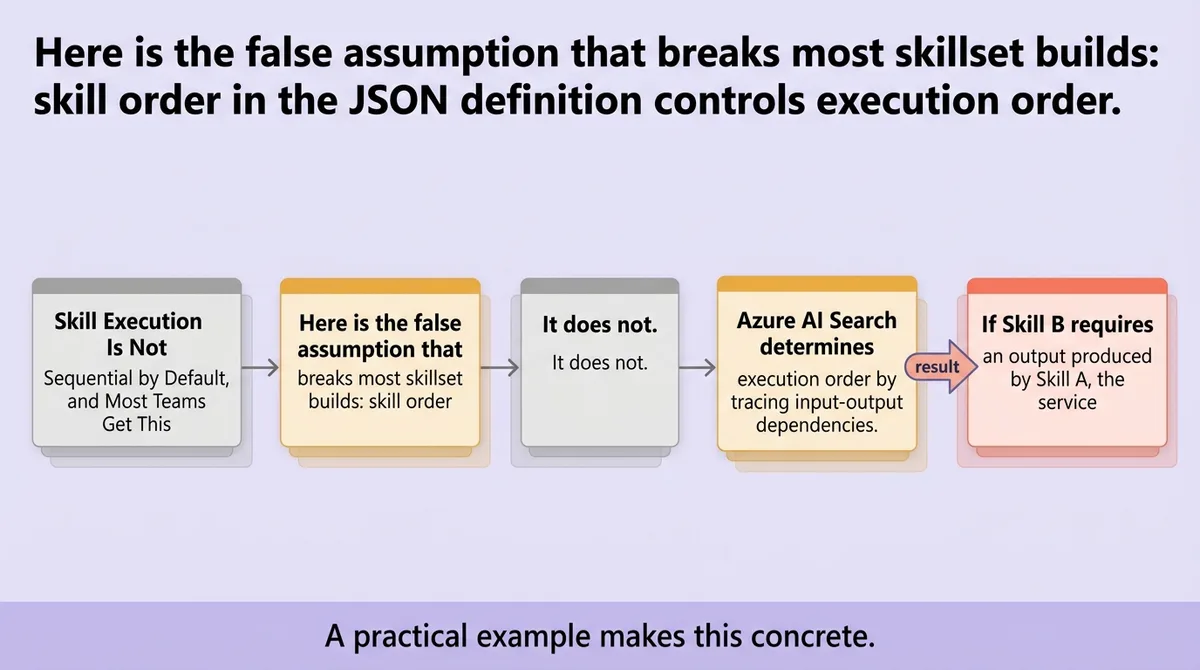
It does not.
Azure AI Search determines execution order by tracing input-output dependencies. If Skill B requires an output produced by Skill A, the service runs Skill A first, regardless of where either skill appears in the JSON array. The dependency graph, not the array index, is the execution plan.
A practical example makes this concrete. Consider 2 sequential skills: a text splitter followed by a sentiment detector [\[3\]](#ref-3). The sentiment skill lists the split skill's output as its input. That dependency declaration forces the split to run first. If you reversed the array order in your JSON, the execution order would not change. The service resolves it correctly because the dependency is explicit.
Where teams fail is not in ordering, but in context scope.
Context determines which node in the enrichment tree a skill reads from. A skill with context set to `/document` runs once per document. A skill with context set to `/document/pages/*` runs once per page. The distinction matters enormously.
Azure AI Search uses collection scope to handle nested structures. A concrete example shows 2 levels of collection scope: country/region at one level and state as a nested level within it [\[3\]](#ref-3). A skill reading from the wrong level produces outputs at the wrong grain. Those outputs land on the wrong tree nodes. The index fields they target stay empty.
Here is what makes this dangerous: the pipeline reports no errors. The skill ran. It produced output. It just annotated the wrong part of the tree. You index every document, check your fields, and find nothing useful. That is not a configuration error the logs will surface. It is a modeling error you have to catch before you write the skillset.
The operational rule: map your context paths against your enrichment tree before writing any skill definition. A skill reading from the wrong context level silently produces empty outputs, which means you process every document and index nothing queryable.
* * *
How Skills, Outputs, and Field Mappings Route Enriched Content Into Your Index
The Skill-to-Field Projection Chain has three stages:
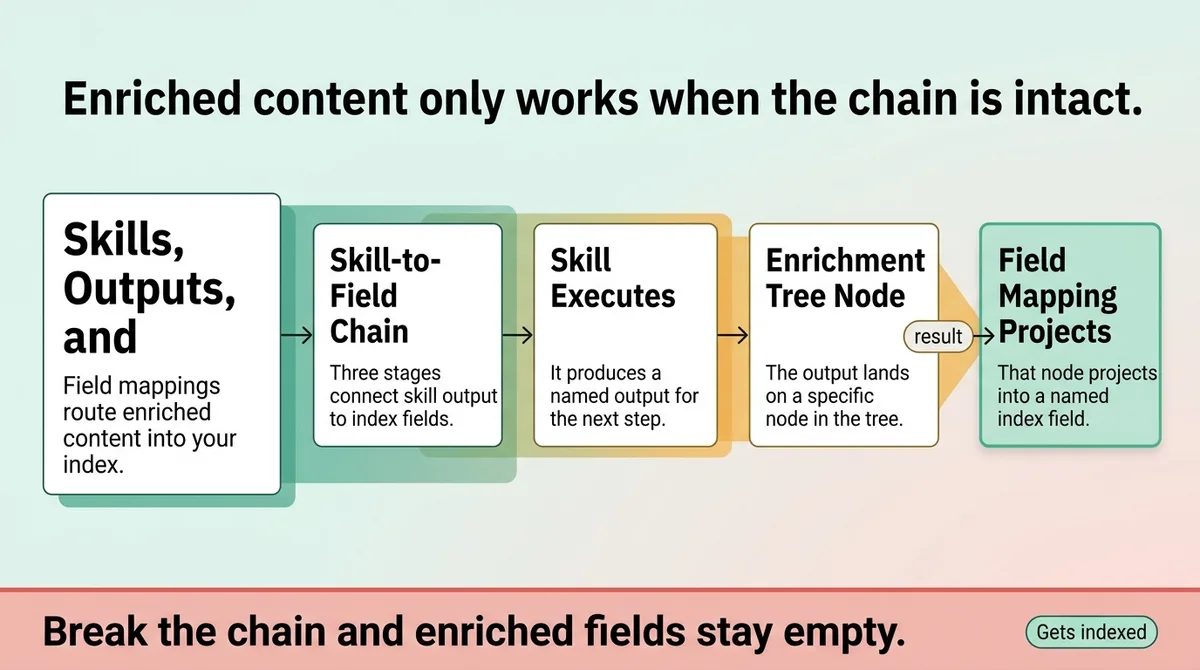
1. A skill executes and produces a named output. 2. That output lands on a specific node in the enrichment tree. 3. An output field mapping projects that node to a named field in the index.
Break any link in that chain and the field stays empty. No warning. No error in the indexer log.
A working example makes the chain traceable. The example skillset contains 3 skills [\[1\]](#ref-1). The example index defines 4 fields [\[1\]](#ref-1). Connecting them are 3 output field mappings configured in the indexer [\[1\]](#ref-1). Each mapping specifies the source path (the enrichment tree node) and the target field name. That three-mapping configuration is the Skill-to-Field Projection Chain in operation.
One of those skills is a custom web API skill pointing to 1 external endpoint [\[1\]](#ref-1). That skill carries a 30-second timeout [\[1\]](#ref-1) and a batch size of 1,000 records [\[1\]](#ref-1). Those settings matter for reliability. A timeout too short drops enrichments silently. A batch size misconfigured for your document volume causes partial runs. Both produce the same symptom: index fields that look populated but return incomplete data.
<table class="border-collapse w-full my-4 table-auto mx-4 max-w-4xl sm:mx-auto" style="min-width: 75px;"><colgroup><col style="min-width: 25px;"><col style="min-width: 25px;"><col style="min-width: 25px;"></colgroup><tbody><tr><th class="border border-border px-4 py-3 bg-muted font-semibold text-left" colspan="1" rowspan="1"><p>Skill Name</p></th><th class="border border-border px-4 py-3 bg-muted font-semibold text-left" colspan="1" rowspan="1"><p>Output Name</p></th><th class="border border-border px-4 py-3 bg-muted font-semibold text-left" colspan="1" rowspan="1"><p>Target Index Field</p></th></tr><tr><td class="border border-border px-4 py-3" colspan="1" rowspan="1"><p>Text Split</p></td><td class="border border-border px-4 py-3" colspan="1" rowspan="1"><p>pages</p></td><td class="border border-border px-4 py-3" colspan="1" rowspan="1"><p>document/pages</p></td></tr><tr><td class="border border-border px-4 py-3" colspan="1" rowspan="1"><p>Custom Web API</p></td><td class="border border-border px-4 py-3" colspan="1" rowspan="1"><p>topWords</p></td><td class="border border-border px-4 py-3" colspan="1" rowspan="1"><p>content/topWords</p></td></tr><tr><td class="border border-border px-4 py-3" colspan="1" rowspan="1"><p>Sentiment</p></td><td class="border border-border px-4 py-3" colspan="1" rowspan="1"><p>sentimentLabel</p></td><td class="border border-border px-4 py-3" colspan="1" rowspan="1"><p>pages/sentiment</p></td></tr></tbody></table>
This table represents the Skill-to-Field Projection Chain as a tracing tool. When a field is empty, you walk backward: check the index field name, find the matching output field mapping, trace it to the enrichment tree node, confirm the skill that writes to that node ran at the correct context scope.
The most common silent failure is a missing output field mapping. The skill ran. The output exists on the enrichment tree. No mapping projects it to an index field. The data is there and unreachable. Running a wildcard query will not expose this. You need to query the specific field by name to confirm it holds data.
* * *
What a Complete Skillset Pipeline Actually Produces, and Where Teams Stall
A skillset pipeline that runs without errors is not a pipeline that works. That distinction is where most teams stall.
The verification test is specific: after indexing, run a targeted query against your enriched fields by name. Not a wildcard. Not a broad text search. Query the exact field that your Skill-to-Field Projection Chain was supposed to populate.
A concrete end-to-end result looks like this. The pipeline processes a source document and produces 1 indexed document as output [\[1\]](#ref-1). The custom skill attached to that pipeline extracts 5 top words from the content [\[2\]](#ref-2). Those words land on the enrichment tree, get projected by an output field mapping, and appear as a queryable field in the index.
A single query string example using 3 selected fields shows what that queryable output looks like in practice [\[2\]](#ref-2). Selecting specific enriched fields, not all fields, confirms that the enrichment reached the index in usable form.
The broader pipeline context frames where the skillset fits. Search solutions built on Azure AI Search rely on 4 core components: the data source, the indexer, the skillset, and the index [\[2\]](#ref-2). The skillset is not the start of the chain or the end. It is the enrichment layer in the middle. Teams that treat it as an add-on bolt it on after the index is already designed. That order produces mismatched field names, wrong context paths, and projection gaps.
Verification checks that teams consistently skip:
- Query each enriched field individually after the first indexer run
- Confirm the document count in the index matches the source document count
- Check that output field mapping count equals the number of enriched fields you expect to query
- Validate custom skill timeout and batch size against actual document volume before a full run
The hidden risk is not a broken pipeline. A broken pipeline throws errors. The real risk is a pipeline that runs cleanly, indexes data, and returns poor results because the enriched fields never get queried. Teams declare the build done, move on, and discover months later that the search results pulling from unenriched base fields are no better than a simple keyword search.
* * *
Why the Enrichment Tree Is the Only Map That Matters
Every failure pattern in an Azure AI Search skillset traces back to one of two modeling gaps: wrong context scope or broken projection.
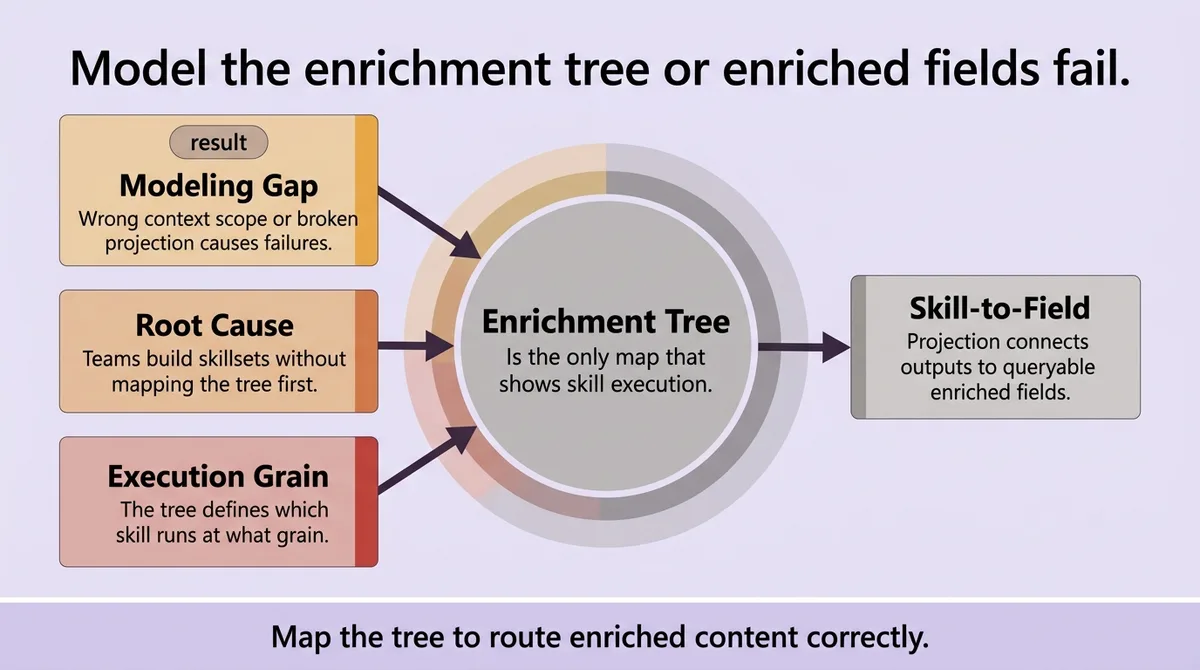
Both gaps originate from the same root cause. Teams build skillsets without first mapping the enrichment tree.
The enrichment tree is not an implementation detail. It is the only structure that tells you which skill runs at what grain, which node holds which output, and which projection connects that output to a queryable field. The Skill-to-Field Projection Chain only works when the tree is mapped correctly first.
Start with the tree. Draw the nodes. Assign context paths. Then write the skill definitions. That order catches silent failures before they reach the index.
The index field is the last thing you configure. The enrichment tree is the first.
* * *
FAQ
How does Azure AI Search work?
Azure AI Search indexes content from a data source using an indexer. When a skillset is attached, the indexer runs content through enrichment skills before writing to the index. Skills annotate an enrichment tree, and output field mappings project those annotations into searchable index fields.
What are skills in Azure AI Search?
Skills are discrete processing operations that read from and write to the enrichment tree. They can be built-in cognitive skills, such as key phrase extraction or sentiment analysis, or custom skills built on a web API endpoint. Each skill takes named inputs and produces named outputs.
What are Azure skills for AI?
Azure AI skills are the individual enrichment steps inside a skillset. They include capabilities like OCR, language detection, entity recognition, and custom logic hosted on an external endpoint. Skills chain together by passing outputs from one as inputs to the next.
Is Azure AI Search the same as Azure Cognitive Search?
Yes. Microsoft rebranded Azure Cognitive Search to Azure AI Search. The underlying service, API structure, and skillset model are the same product under a new name.
What is the purpose of a skillset in Azure AI Search?
A skillset transforms raw source content into enriched, structured data before it reaches the index. It sits between the data source and the index, running skills that extract, classify, or augment content so that index fields hold queryable, meaningful values rather than raw text alone.
Is Azure AI the same as ChatGPT?
No. Azure AI is Microsoft's portfolio of AI services, which includes search, vision, language, and machine learning tools. ChatGPT is a conversational AI product built by OpenAI. Azure does offer access to OpenAI models through Azure OpenAI Service, but that is a distinct product from Azure AI Search.
Is AZ-900 difficult to pass?
AZ-900 is an entry-level Microsoft Azure fundamentals certification. Most candidates with basic cloud familiarity and a few weeks of study pass it. It does not require hands-on development experience, but it does test breadth across Azure services, pricing, and governance concepts.
* * *
References and Citations
[\[1\]](#ref-1) [https://georgeollis.github.io/blog/skillsets-in-azure-ai-search/](https://georgeollis.github.io/blog/skillsets-in-azure-ai-search/)
[\[2\]](#ref-2) [https://microsoftlearning.github.io/AI-102-AIEngineer/Instructions/23-search-skills.html](https://microsoftlearning.github.io/AI-102-AIEngineer/Instructions/23-search-skills.html)
[\[3\]](#ref-3) [https://learn.microsoft.com/en-us/azure/search/cognitive-search-working-with-skillsets](https://learn.microsoft.com/en-us/azure/search/cognitive-search-working-with-skillsets)